The database connector gives the patch agent read-only access to your own Postgres as context while it reasons about BUG tickets. What it gathers ends up as a markdown block in the QA note that the CTO review reads downstream, and nowhere else. There is no write path and no DDL path, and every query runs inside a READ ONLY transaction.
Connecting it stays on screen on purpose. This connector carries a credential directly, and a secret must never travel through a chat transcript. Command Center can tell you whether a connector is connected and healthy; entering the credentials happens on the settings screen.
What the AI gets today
Be clear about the current state before you plan around it:
- Today the agent does not propose queries of its own. When the connector is eligible, the QA note gets a short line that the connector is available, the schemas it may read (after your allowlist), and up to 20 table names from the first of those schemas. No rows are read in a normal run.
- The query machinery is built and guarded, but not yet exercised. The per-shape approval flow, the allowlist guard, the row and byte caps and the column redaction described below are all in place for when the agent starts proposing diagnostic queries. Until then the approval queue stays empty.
So connecting a database today mainly tells the agent what data exists. Set it up with that in mind.
Gates
Three switches have to be on before the agent sees anything:
| Gate | Where | Default |
|---|---|---|
| Connector enabled for your workspace | Switched on by FixControl; ask your FixControl contact | off |
| Allow AI database context | Per connection, on the database settings screen | off |
| Per-shape approval, or Auto read-only diagnostics (skip per-shape approval) | Pending approvals queue, or a per-connection switch | approval required |
The connection must also be connected (its credentials work). Only BUG issues get database context, and when you have several connections, the first eligible one is used.
When to enable
Turn it on when:
- Bug triage keeps stalling on "the AI can't see what the data looks like" and an engineer ends up describing the schema in the chat.
- You have a Postgres replica (or a role on the primary) you would hand to a junior developer for diagnostics anyway.
- You are willing to keep an allowlist of schemas and tables the AI may read.
Don't turn it on if you can't supply a genuinely SELECT-only role, or if a column-name redactor on its own isn't enough for your data.
Only Postgres is supported.
Setup
You need to be an admin of your FixControl organization.
- Create a Postgres role with
SELECT-only privileges on the data you intend to expose. A read replica is the cleanest source. Always connect with a read-only role: FixControl's own guards are a second line of defence, not a replacement for correct grants. - Open Settings → Channels → Data sources → Database (read-only) and click Add database.
- Fill in Name, Host, Port, Database, Username and Password.
- Pick an SSL mode:
require(the default),verify-ca,verify-full, ordisable(only sensible against a local sandbox). - Fill in the Schema allowlist before switching anything on. An empty allowlist is default-deny: the AI can read nothing.
- Optionally narrow it with the Table allowlist. Empty means any table inside the allowed schemas.
- Click Test connection. FixControl checks the credentials and then tries a write inside a READ ONLY transaction. Only when the database engine rejects that write does the connection get the Read-only verified badge. If it shows Read-only not verified, the role can still write: fix the grants.
- Switch on Allow AI database context when you are satisfied.
The agent's access depends on the connection being connected and on Allow AI database context, not on the read-only badge. That is why step 1 matters: the badge tells you whether your grants are right; it does not hold the agent back.
Credentials are stored encrypted with a per-workspace key. Host, port, database and user stay visible on screen without decrypting the secret. You can have one active connection per host and database.
Allowlist semantics
Default-deny on schemas:
- Empty schema allowlist → every query fails with "no schemas are configured for this integration".
- Non-empty schema allowlist → schema-qualified references are checked against it. Unqualified references are treated as
public. - The table allowlist is layered on top. Empty means no extra filter; non-empty means every referenced table must be on it (as bare
tableor asschema.table).
References in subqueries are checked the same way as top-level ones. Even if a reference somehow slipped past the check, the READ ONLY transaction and the role's grants still block any write.
Approval flow
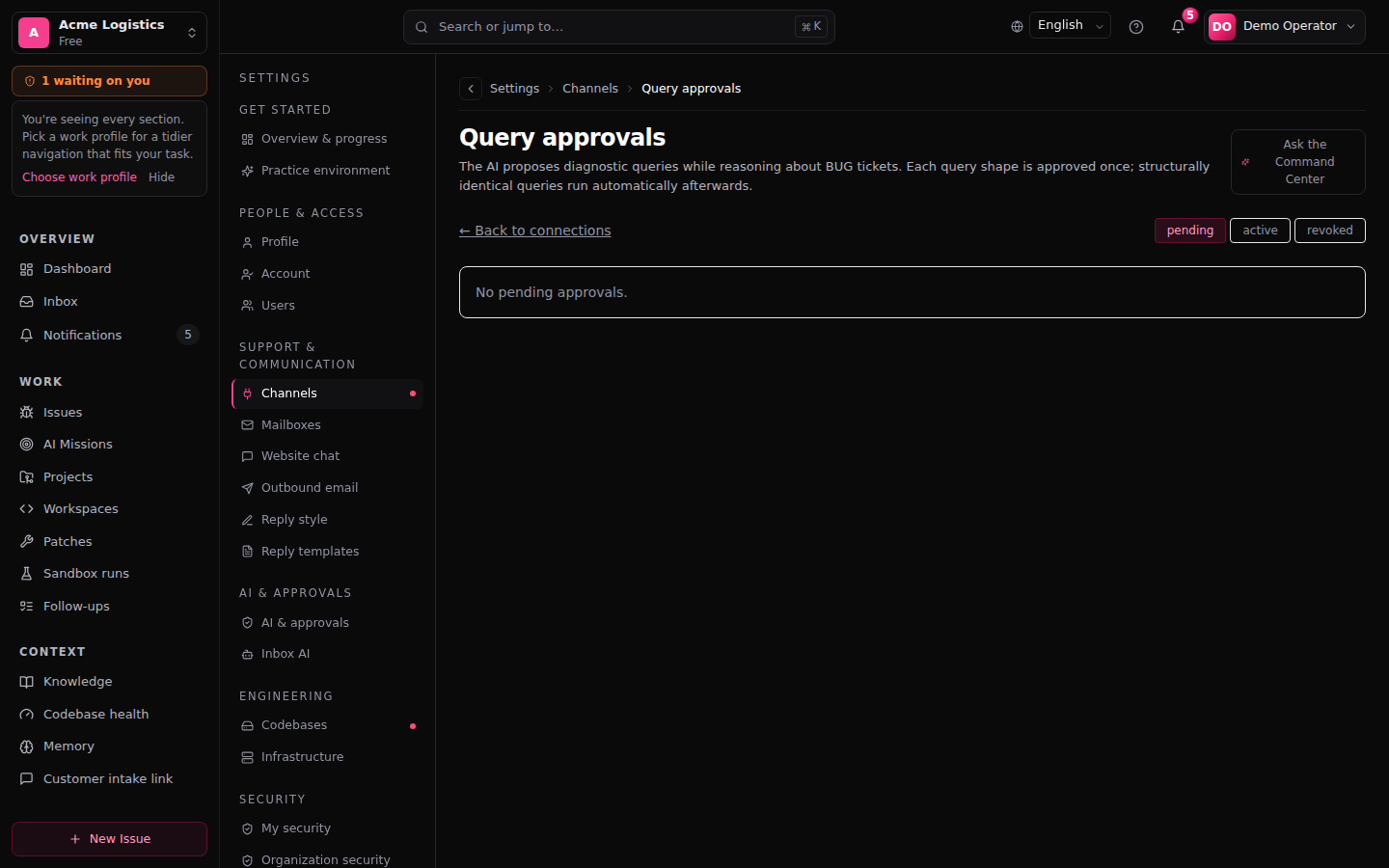
This is how a proposed query is handled once the agent proposes queries. As described above, that does not happen in normal runs yet.
Every proposed SELECT is normalised to a shape: the SQL with literal values blanked out. One approval covers every later run of that query with different values.
- A query is proposed for a BUG issue. FixControl normalises it and looks for an active approval.
- No approval → the shape goes to the pending queue and the query is skipped for this run; the note records "awaiting approval".
- An admin opens Pending approvals from the database settings screen and clicks Approve.
- Later runs of the same shape go through.
- Revoke stops the shape; you can approve it again later.
Approving SELECT id, status FROM orders WHERE id = $1 lets every later run with any id through. The queue flags shapes that touch tables with sensitive-looking names as a hint; the redactor still handles the actual columns.
Auto read-only diagnostics: the trade-off
Auto read-only diagnostics (skip per-shape approval) skips the approval queue for that connection: every proposed query that passes the allowlist runs immediately and is recorded in the audit as auto-diagnostics. Use it only when the allowlist is genuinely tight (a few low-sensitivity tables on a replica). The allowlist guard, the READ ONLY transaction, the caps and the redactor still apply; only the human step is removed.
Audit and redaction
Every query that runs is recorded with the clipped query text, tables touched, row count, bytes returned, truncation, redacted column names, duration, error, actor (AI or person), how it was approved, and the BUG issue it ran for. These records are append-only and scoped to your organization; removing a connection does not remove the history of what ran through it.
Result caps:
- 50 rows per query at most; anything beyond is truncated.
- 64 KB of result at most.
- 5-second statement timeout and a short lock timeout, enforced by the database.
Column-name redaction runs before rows reach the agent. A column is redacted when one of these terms appears in its name as a whole segment, separated by _, - or . (or as the whole name): email, e_mail, phone, phone_number, password, passwd, secret, token, api_key (also apikey, api-key), access_token, refresh_token, ssn, social_security, credit_card, card_number, cvv, iban, bank_account. Matching ignores case.
So email, user_email and billing.iban are redacted, but emailed_at and tokens are not (the segment is a different word), and neither is a camelCase name such as userEmail (there is no separator). Redaction is by column name, not by value: a free-text notes column containing an e-mail address is not caught. Keep such columns off the allowlist.
Troubleshooting
"Read-only not verified" stays after a successful test. The credentials work, but the write probe was not rejected. The role still has write or DDL grants. Make it SELECT-only and test again.
"schema X is not on the allowlist" or "no schemas are configured". Default-deny. Add the schema to the allowlist. If the error names a system schema such as pg_catalog, leave the allowlist alone: that query should fail.
"forbidden keyword: X" or "writable CTE rejected". A non-SELECT keyword (INSERT, UPDATE, DELETE, MERGE, DROP, COPY, CALL, …) or a writable CTE was rejected by design.
A query times out. The 5-second cap fired. The query is expensive or the replica is lagging. Diagnostic queries must never block production.
The connection was marked failed after working. A read-only violation reached the database and Postgres refused it. The connection is marked failed so it shows up. Check the audit entry and tighten the allowlist before switching it back on.
Related: Database connector (user guide) · Google Cloud (read-only) · Security & audit