FixControl handles two kinds of webhooks:
- Inbound: other systems (Slack, Microsoft Teams, GitHub, GitLab, Bitbucket, Office 365, your CI/CD hosts and support desks) deliver events to FixControl. Each one is set up with its integration.
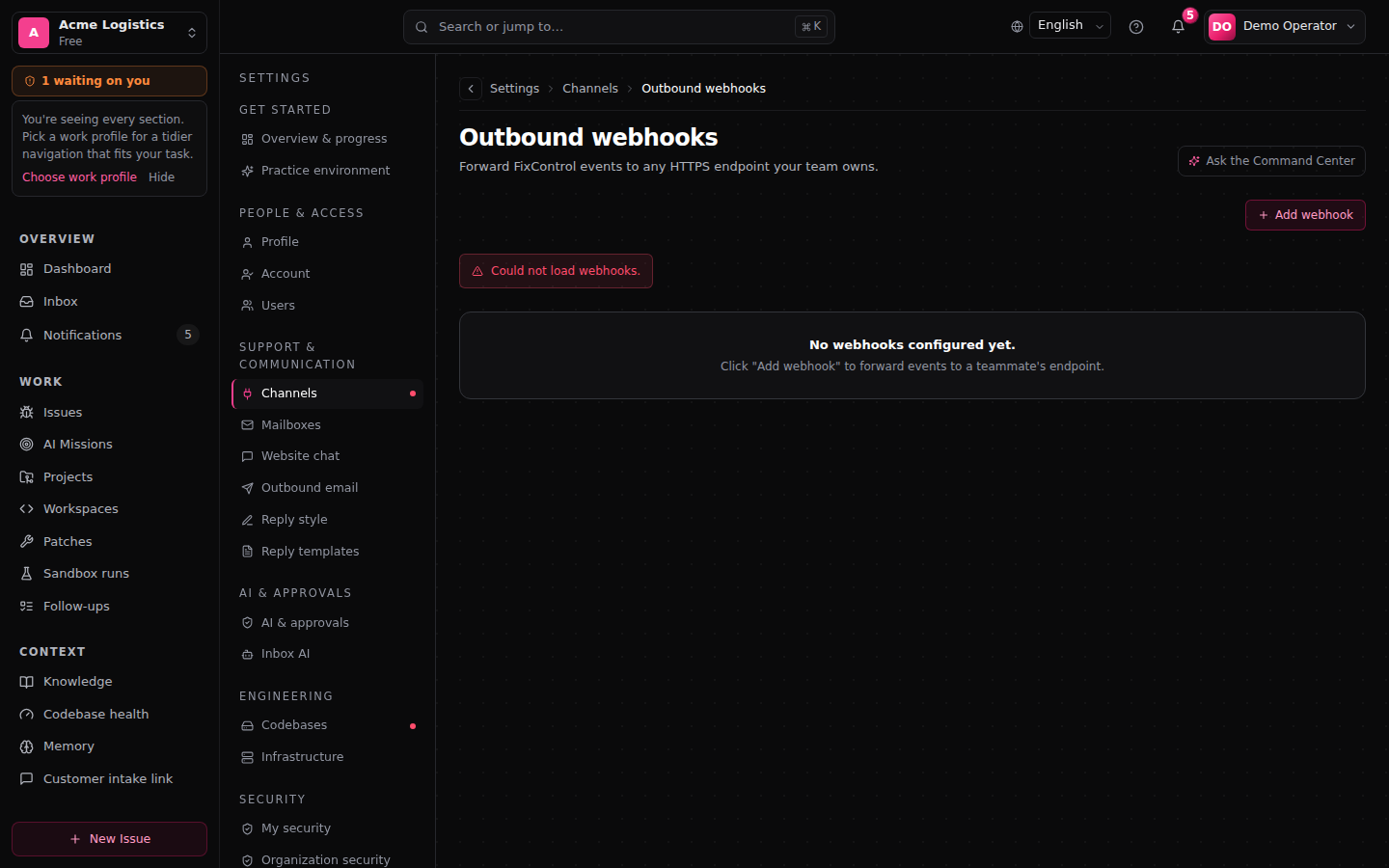
- Outbound: your own systems receive FixControl events. You set these up under Settings → Channels → Webhooks & API → Outbound webhooks.
The step-by-step setup for outbound webhooks, including a working signature verifier, is in the user guide. This page is the operational view for admins: how delivery behaves and how to debug a failed delivery.
Inbound: signature verification
Every inbound webhook is verified before FixControl accepts it. A request that doesn't verify gets 401 and is dropped; it is never processed.
| Source | Header | Check | Who manages the secret |
|---|---|---|---|
| GitHub | X-Hub-Signature-256 | HMAC-SHA256 over the raw body | FixControl (GitHub App) |
| GitLab | X-Gitlab-Token | Token equality, constant time | You, via Rotate secret on the GitLab CI card under Settings → DevOps |
| Bitbucket | X-Hub-Signature | HMAC-SHA256 over the raw body | FixControl, provided on request |
| Slack | X-Slack-Signature + X-Slack-Request-Timestamp | HMAC-SHA256 over v0:<ts>:<body> | The Slack app's signing secret |
| Microsoft Teams | Authorization: Bearer <jwt> | JWT signed by Microsoft, checked against Microsoft's public keys | Microsoft |
| Office 365 | client state + JWT validation | Checked per subscription | FixControl |
For CI/CD hosts, see DevOps & CI/CD; for Jira, Freshdesk, Odoo and TOPdesk, see Issue trackers.
Secrets are stored encrypted. Rotation is a hard cutover: the moment you rotate a secret in FixControl, the old one stops verifying. Update the secret at the sending system straight away, or deliveries are rejected until you do.
Inbound: processing and retry
Slack and Teams events are acknowledged right away and processed in the background. If processing fails for a temporary reason, FixControl tries again, up to three attempts a few seconds apart, before it records the event as failed. A permanent authentication error (for example, the app was uninstalled) is not retried: the connection is marked Reconnect required instead.
Outbound: delivery model
When a FixControl event matches one of your outbound webhooks, a delivery is queued and POSTed to your URL:
event fired
  → match webhooks (your organization + event filter)
  → for each match: queue a delivery
  → POST to the URL, record status and response code
A response with HTTP 2xx closes the delivery as Success. Any other response, or no response within 10 seconds, is retried. Each delivery gets three attempts in total:
attempt 1   immediately
attempt 2   ~1s after the first
attempt 3   ~5s after the second
After the third failed attempt the delivery stops. There is no later retry and no replay button: if the receiver was down for longer than that, the event is not resent.
To see what happened, open the webhook and click View deliveries. Each row shows the event, status, response code, number of attempts, error, time and request ID. FixControl does not store the request or response body.
Use Send test to send a test event to your endpoint at any time.
Outbound: the signing secret
The signing secret is shown once, when you create the webhook. Afterwards the screen shows only a short preview. There is no rotate button: to change the secret, create a new webhook with the same URL and events, move your receiver over, and delete the old one.
Operational signals
Each integration has a health panel that shows status per capability, retries and failed deliveries, and whether the connection needs to be reconnected. Look there first when events seem to stop arriving.
Common operational issues
An inbound webhook returns 401 every time. The secret at the sending system doesn't match. For GitLab, rotate the secret on the GitLab CI card and paste the new value into GitLab. For secrets FixControl manages (GitHub, Bitbucket, the support-desk webhooks), ask your FixControl contact.
Outbound deliveries succeed but the receiver doesn't process them. Almost always signature verification failing on the receiver. Check that the receiver computes HMAC-SHA256 over <timestamp>.<raw request body>: the t= value from the X-FixControl-Signature header, a dot, then the body byte for byte, not re-serialised JSON. See the user webhooks guide for a working verifier.
Office 365 subscriptions expired. Microsoft Graph subscriptions live about three days and FixControl renews them on a schedule. If a renewal is missed and the subscription expires, the integration moves to Reconnect required. Reconnect from the integration page. Events that arrived during the gap are not retrieved afterwards, because Microsoft doesn't queue them.
FAQ
Can I change how many times a delivery is retried? No. Every outbound delivery gets the same three attempts.
Can I see the exact body that was sent? No. The delivery log keeps the event, status, response code, attempts and error, not the body. Log the body on the receiving side if you need it, keyed by the X-FixControl-Delivery header.
Are webhook secrets rotated automatically? No. Rotation is always a deliberate admin action, because a receiver has to be updated at the same moment.
Related: Webhooks (user guide) · Public API (admin) · DevOps & CI/CD