A decision ledger for every AI-assisted action
When an auditor, a customer of your organization or an incident review asks “who approved this, and why?”, the answer should take minutes, not days. When AI proposes a reply, a patch or a deployment promotion, someone on your team approves it — and the decision goes on the record with the evidence behind it.
From proposal to recorded decision
AI proposes; someone on your team decides; the ledger keeps both.
- 01ProposalAI proposes an action, with evidence
A reply, a patch or a deployment promotion arrives as a proposal. The evidence that justifies it is laid out for someone on your team to read before anything happens.
- 02DecisionSomeone on your team decides where they already work
Approvers act from Slack or Teams approval cards, or in the FixControl app. The verdict is captured at the moment it is made, along with the channel it came from.
- 03Ledger entryThe decision becomes a ledger entry
On a verdict, FixControl writes the entry: the approver and their role, the exact text, diff or action approved, and the evidence in front of them at that moment.
- 04ConsequenceWhat happened next is recorded too
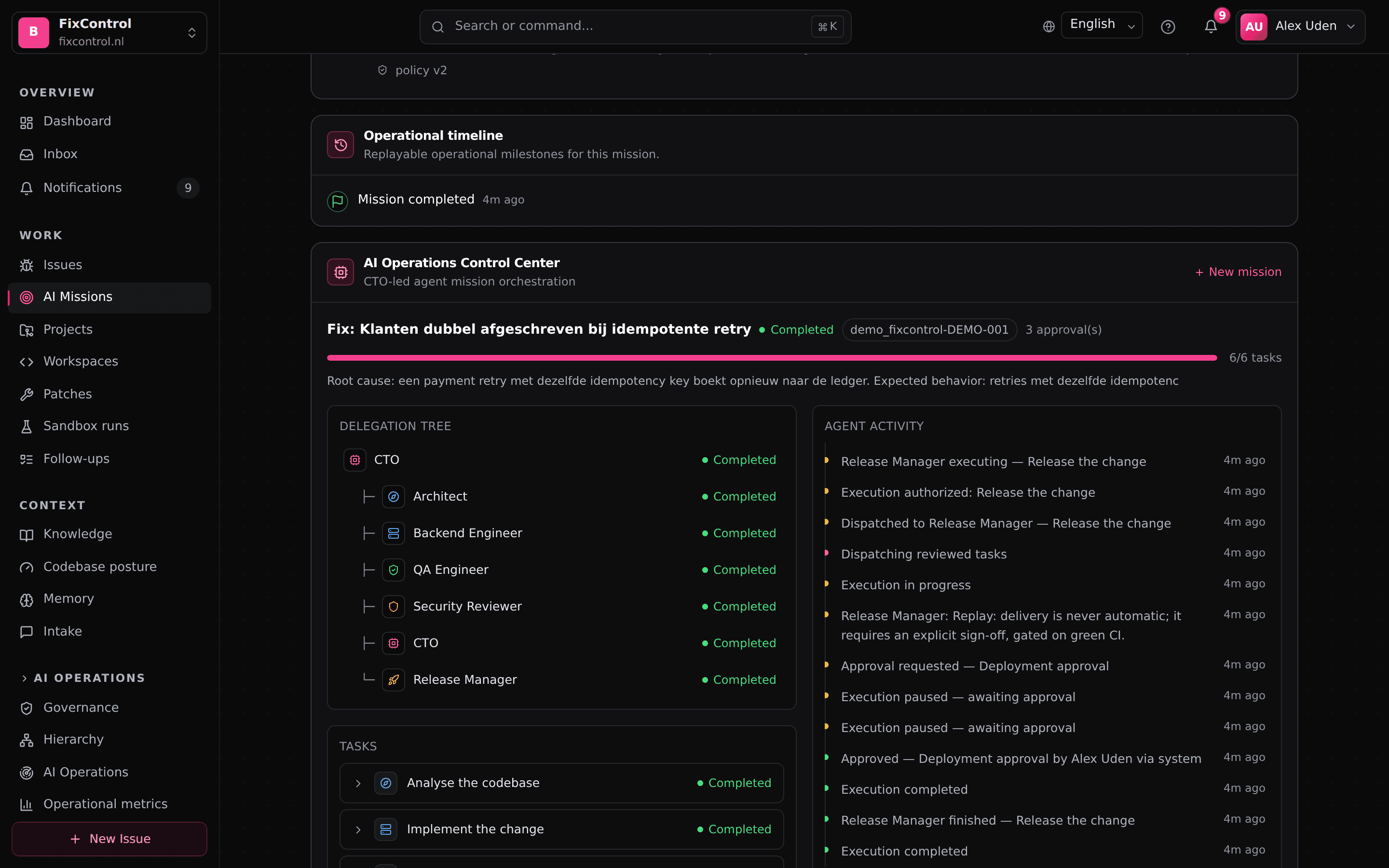
The outcome of the approved action lands in the same entry. Months later, you can see not only that a change was approved but what it caused.
Six questions every entry can answer
Each entry is built to answer what an auditor or an incident review will actually ask.
Who approved, and in which role
Every entry names a person and the role they acted under. When someone asks who signed off on a change, the ledger has a name and a role.
Where the decision came from
Slack, Teams or in-app: the ledger records which channel each verdict arrived through. Provenance is part of the record.
What the approver saw
The evidence presented at the moment of decision is stored with the verdict. A later reviewer reads exactly what the approver read.
What was approved, verbatim
The entry captures the final reply text, the code diff or the action itself. There is no summarizing step between what a person approved and what the ledger says they approved.
What followed
The outcome of the action is recorded alongside the decision. The ledger closes the loop between an approval and its effect.
A timeline people can read
An operational timeline tells the story of a mission in plain terms, kept separate from raw agent traces. Reviewers get a readable account, and the traces stay available for debugging.
Built to be reviewed after the fact
Questions auditors and security teams ask
How is this different from logging what an agent did?+
What exactly is recorded for each decision?+
Where do people approve?+
Why keep a timeline separate from agent logs?+
Can the ledger be exported for audit?+
Does any action ever skip approval?+
See a ledger entry end to end
Book a demo: approve a real action, then open the entry it produced — evidence, verdict and consequence.