Ask about open tickets from Slack or Teams — without filing another one
“What's the status of FIX-212?” costs someone on your support team minutes of searching across systems. FixControl answers it in seconds, inside the Slack or Teams thread where it's asked — from Jira, Freshdesk, Odoo, TOPdesk and its own tickets. Ask follow-ups, or close, reprioritise and assign with an explicit confirmation. A pre-intake check keeps a question from accidentally becoming a new ticket.
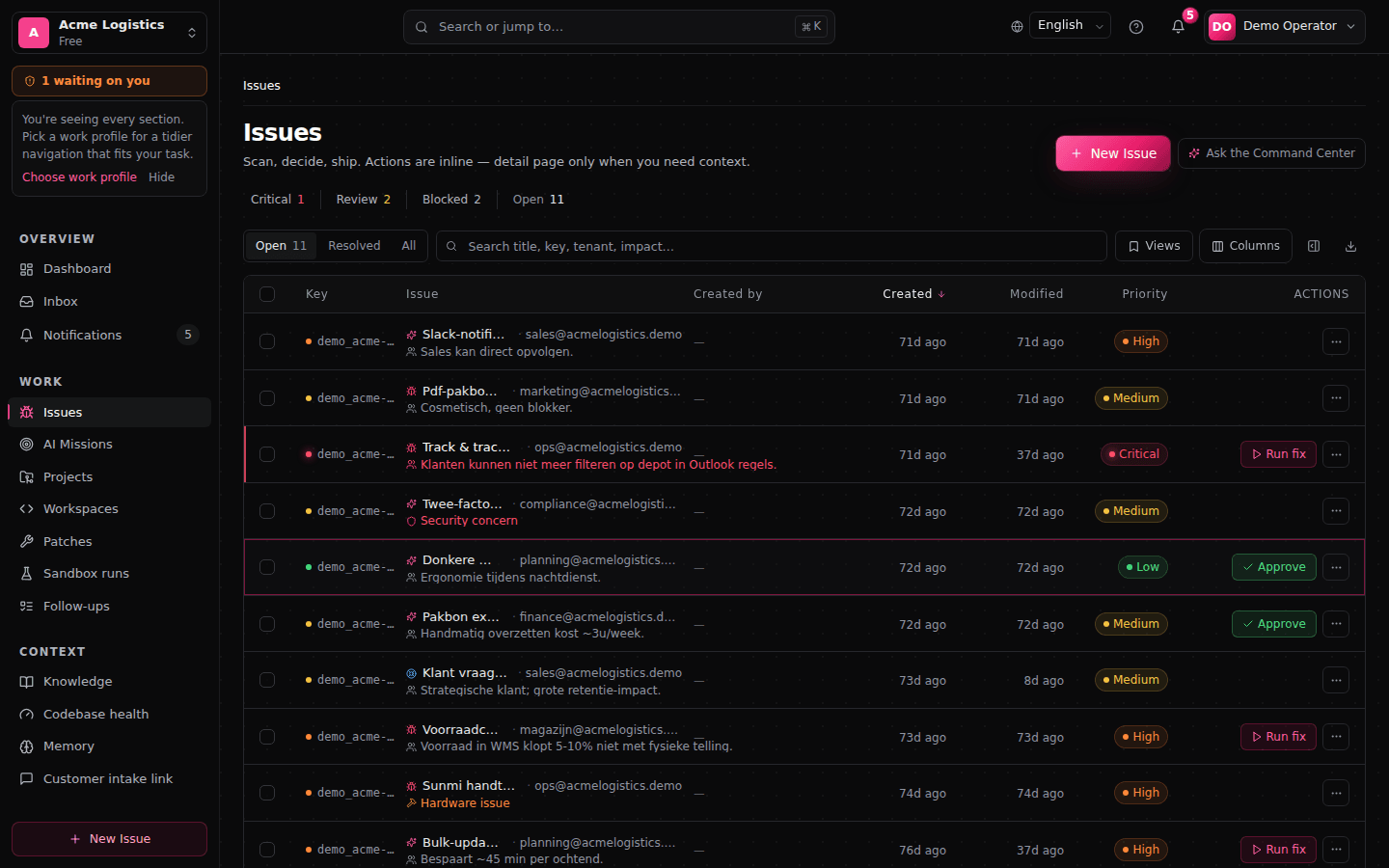
A question gets an answer, not a ticket
The same governed pipeline that handles intake recognizes when you’re asking about work that already exists.
- 01Ask in the threadAsk a question in plain language
“Which tickets are still open?”, “What’s the status of FIX-83?”, “Which are waiting for approval?” — asked in the Slack or Teams thread where your team already works.
- 02Intent gateAn intent gate checks the question first
Before intake runs, a pre-intake intent gate distinguishes a question about existing work from a request to create new work. Asking about tickets doesn’t open one.
- 03Scoped lookupIt reads across FixControl, Jira, Freshdesk, Odoo and TOPdesk
FixControl queries the sources your project is bound to, within your own organization and your permissions. The answer comes back compact, with ticket keys and status.
- 04Thread-awareFollow-ups stay in context
Ask “which of those are high priority?” and FixControl narrows the previous result set instead of starting a new search.
Status, priority and approval queues, from the thread
Answers stay within your own organization, your permissions and the channel’s visibility.
Status, priority and approval queues
Ask what’s open, what a specific key like FIX-83 or KAN-8 is doing, which items are high priority, and which are waiting at a human approval gate.
No accidental ticket creation
FixControl only files a new issue when someone explicitly asks for one. The intent gate keeps lookups and intake on separate paths.
Partial results are labeled as partial
If Jira, Freshdesk, Odoo or TOPdesk is unreachable, the answer names the source that failed and returns what could be read from the rest.
Tenant scope and redaction
Answers respect tenant isolation and the project’s knowledge scope. In public or shared channels, sensitive detail is redacted to what that audience is allowed to see.
Permission-aware answers
What someone on your team can ask about follows their role and the channel they ask from. The lookup reads only what that person is entitled to see.
Slack and Microsoft Teams
The same governed answering works from Slack and Microsoft Teams threads. If your organization works in one or the other, nobody needs a new tool to ask.
Read-only, and scoped to the asker
Questions teams ask before enabling it
Does asking about tickets create a new ticket?+
Which sources can it answer about?+
What happens if Jira, Freshdesk, Odoo or TOPdesk is unavailable?+
Can it handle thread follow-ups like ‘which of those are high priority?’+
Can people see tickets they shouldn’t in a shared channel?+
Can the public website chat answer about internal tickets?+
See it answer real ticket questions
Book a demo and ask about live tickets across Slack, Jira, Freshdesk, Odoo and TOPdesk: status, priority and approval queues.